Your AI forgets everything.
Fix that.
ICM gives AI agents real persistent memory. Episodic memories with temporal decay, semantic knowledge graphs, hybrid search — in a single binary.

Why ICM?
Your AI restarts from zero every session. ICM changes that.
Temporal Decay
Memories fade naturally based on importance. Critical decisions stay forever. Trivial details disappear. Like human memory.
Knowledge Graphs
Memoirs organize concepts with typed relations: depends_on, contradicts, refines. Structured knowledge, not flat notes.
Hybrid Search
BM25 keyword search (30%) + vector cosine similarity (70%) via sqlite-vec. Find memories by meaning, not just keywords.
MCP Native
26 tools exposed via Model Context Protocol. icm init auto-configures 17 editors: Claude Code, Claude Desktop, Cursor, Windsurf, VS Code, GitHub Copilot, Gemini, Codex, Zed, Amp, Amazon Q, Cline, Roo Code, Kilo Code, OpenCode, Continue.dev, and Aider.
100% Local
Everything stays on your machine. SQLite storage, local embeddings (384-dim via BAAI/bge-small), no cloud, no API keys.
Single Binary
One brew install. No Docker, no Python, no Qdrant, no Redis. Just a Rust binary and a SQLite file.
Feedback System
Record corrections when AI predictions are wrong. Search past feedback to avoid repeating mistakes. Track correction stats over time.
Auto-Extraction Hooks
Three lifecycle hooks — PostToolUse, PreCompact, UserPromptSubmit — automatically extract and store context at zero LLM cost.
See your memory, actually
Every memory, every concept, every link — in your terminal or your browser. No telemetry, no cloud, your SQLite file.
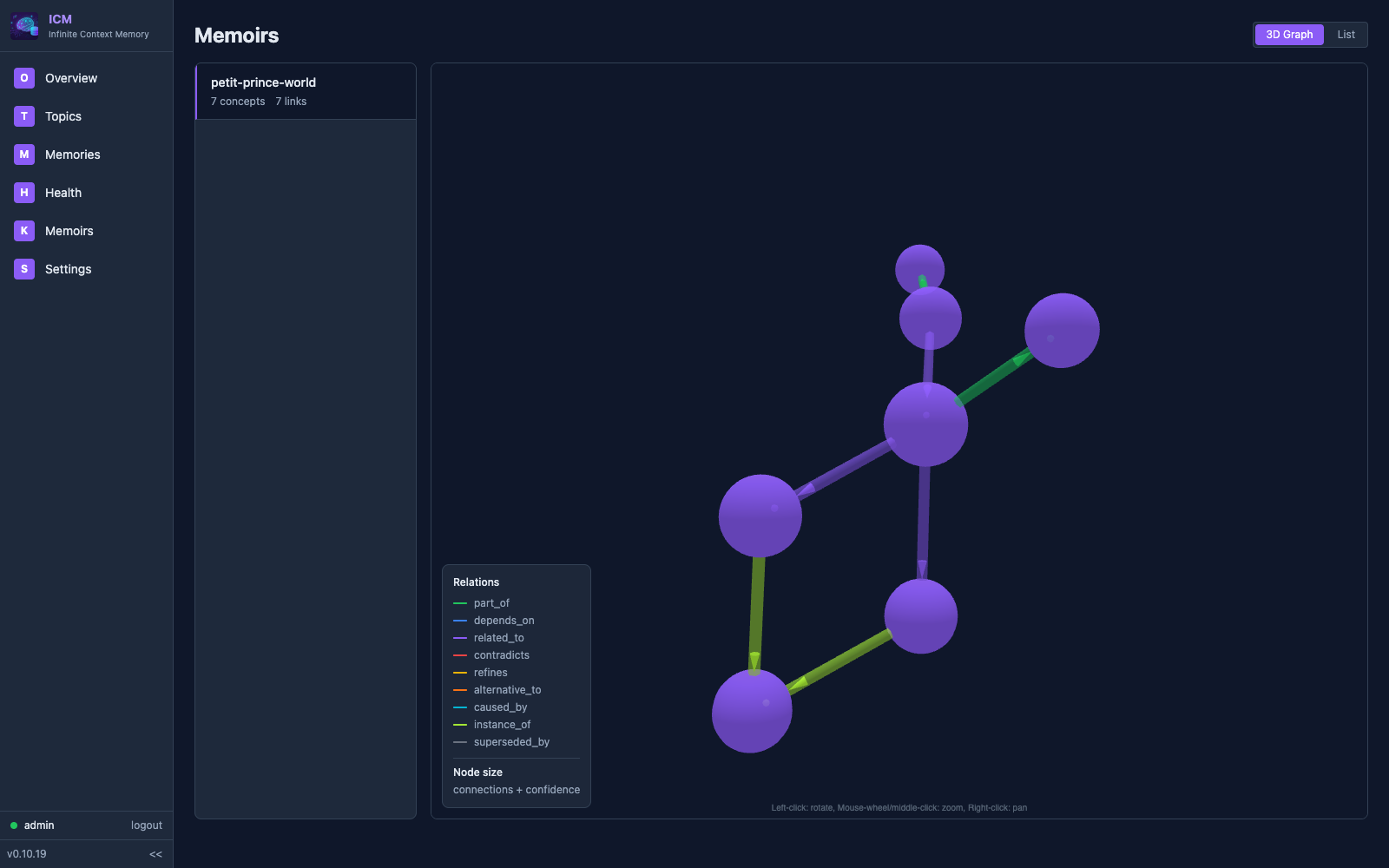
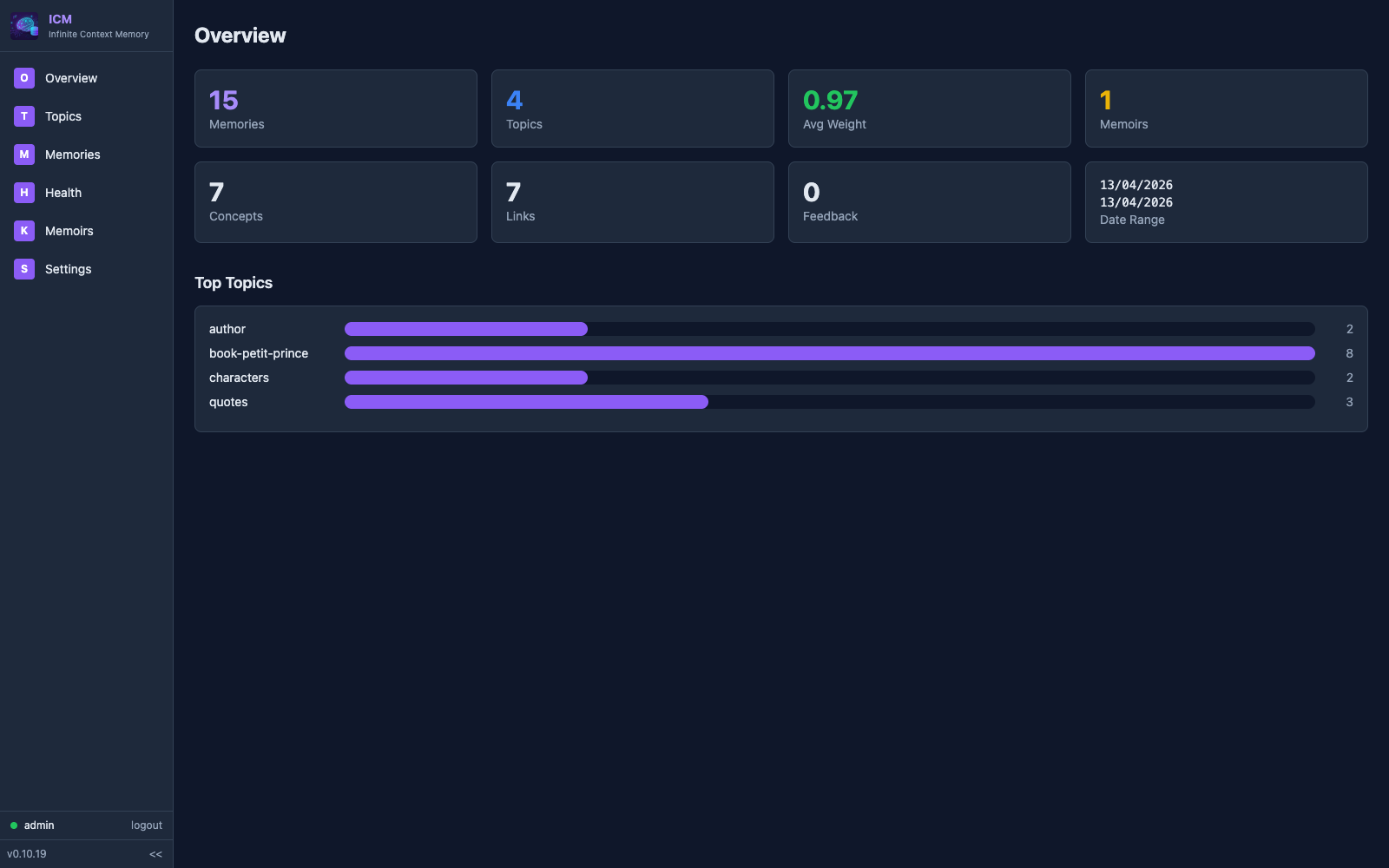
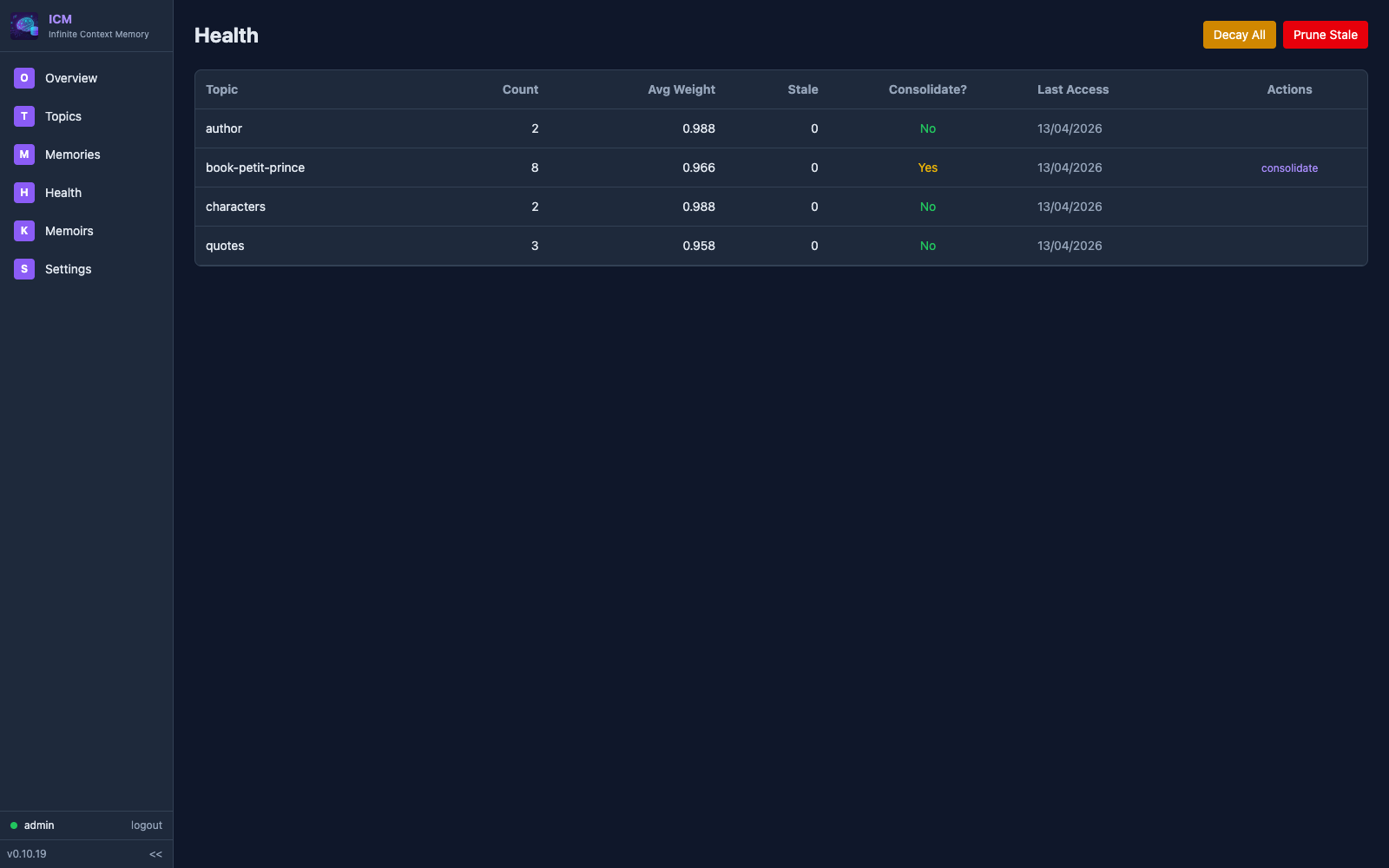
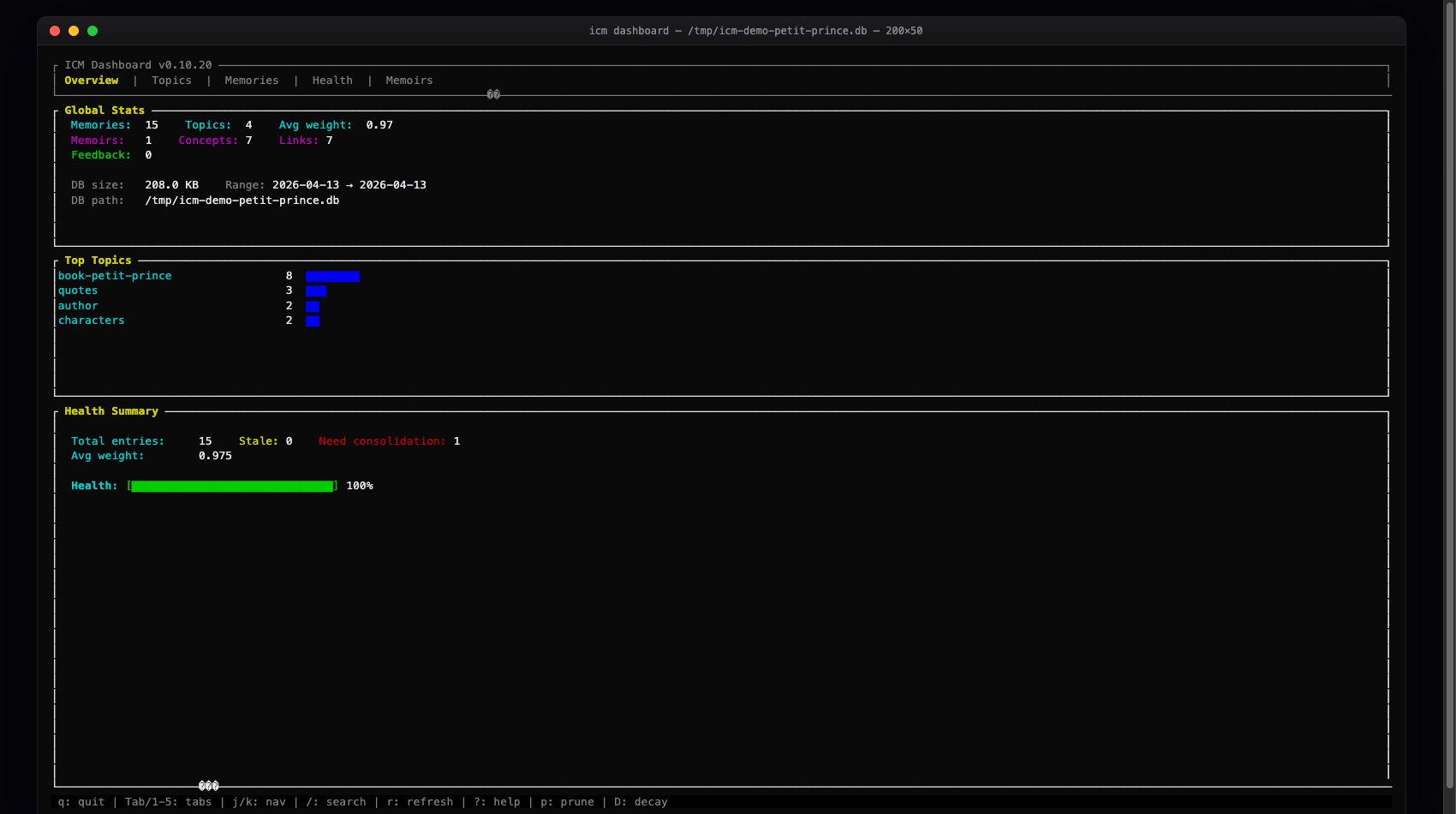
1-5 tabs, j/k nav, / search, ? help.
icm dashboard
icm serve --expose · http://127.0.0.1:8420
Three memory systems
Three complementary systems for different types of knowledge.
Session context, decisions, resolved errors. Stored with importance levels. Fade naturally over time — critical stays forever, trivial disappears.
# topic: "decisions-auth"
# content: "JWT with RS256, 30-day expiry"
# importance: critical  # never decays

# topic: "debug-notes"
# content: "Tried port 3000, was busy"
# importance: low # fades in daysPermanent knowledge containers. Concepts linked by typed edges form a graph. Never decay, only refined. Architecture decisions, domain models, project structure.
Record when AI predictions are wrong. Search past corrections to inform future decisions. Track accuracy improvements over time.
# predicted: "port 3000 is available"
# actual: "port 3000 was in use"
# context: dev-server

$ icm_feedback_search \
    query="port configuration"
Found 2 corrections

$ icm_feedback_stats
12 corrections recordedSee it in action
Simple MCP tools, powerful results.
$ icm_memory_store \
    topic="decisions-auth" \
    content="JWT with RS256, 30d expiry" \
    importance=critical

$ icm_memory_recall \
    query="authentication token"
Found 3 memories (best: 0.92)

$ icm_memory_consolidate \
    topic="decisions-auth"
Consolidated 8 → 1 summary$ icm_memoir_create \
name="backend-arch"
$ icm_memoir_add_concept \
memoir="backend-arch" \
name="auth-service" \
definition="JWT RS256, Axum middleware"
$ icm_memoir_link \
from="api-gateway" \
to="auth-service" \
relation=depends_on$ icm_memoir_inspect \
name="auth-service" depth=2
auth-service
←depends_on api-gateway
→depends_on user-store
←part_of jwt-tokens
$ icm_memoir_search_all \
query="database schema"
Found 5 concepts across 2 memoirsShared memory, multiple agents
Watch how context flows between agents and sessions.
The AI memory landscape
From flat files to $24M startups. Here's how they compare.
Market leader. Cloud-first memory platform with managed API.
Temporal knowledge graph with LLM extraction. Most sophisticated OSS approach.
Community MCP memory server. Simple key-value store with ChromaDB.
File-based instructions or basic cloud memory. Good enough for simple preferences.
icm init
Install in seconds
Single binary. No Docker, no Python, no external services.
Via Homebrew
macOS & Linux
brew install rtk-ai/tap/icm
brew upgrade icm
Install Script
macOS, Linux
curl -fsSL https://raw.githubusercontent.com/rtk-ai/icm/main/install.sh | sh
Then auto-configure your editors
icm init --mode all
One command, every layer, every detected editor. icm init alone sets up MCP only; --mode all also wires up hooks, instruction files, and slash commands wherever supported. Covers 17 editors: Claude Code, Claude Desktop, Cursor, Windsurf, VS Code, GitHub Copilot, Gemini, Codex, Zed, Amp, Amazon Q, Cline, Roo Code, Kilo Code, OpenCode, Continue.dev, and Aider.
What icm init --mode all sets up, per tool
Four integration layers. Each tool gets the layers it supports — run a single --mode mcp|hook|cli|skill to install just one.
MCP Server
Exposes 26 tools (icm_memory_store, icm_memory_recall, icm_memoir_*, icm_feedback_*, icm_wake_up…) to every editor that speaks MCP.
17 editors · icm init --mode mcp
Auto-extraction hooks
SessionStart, PreTool, PostTool, PreCompact, UserPromptSubmit. Injects wake-up packs, extracts facts from tool output, recalls context on each prompt — all at zero LLM cost.
Claude Code, Gemini CLI, Codex CLI, Copilot CLI, OpenCode · icm init --mode hook
Instruction files
Injects ICM usage guidance into each tool’s native instruction file so the agent knows when to store and recall.
CLAUDE.md, GEMINI.md, AGENTS.md, .windsurfrules, copilot-instructions.md, .aider.conventions.md · icm init --mode cli
Slash commands & rules
Ready-to-use shortcuts so the user can recall or remember in one keystroke.
Claude Code (/recall, /remember), Amp (/icm-recall, /icm-remember), Cursor .mdc, Roo Code .md · icm init --mode skill
Your AI starts from zero.
Every. Single. Time.
Install ICM. Give your AI agent a memory it deserves.